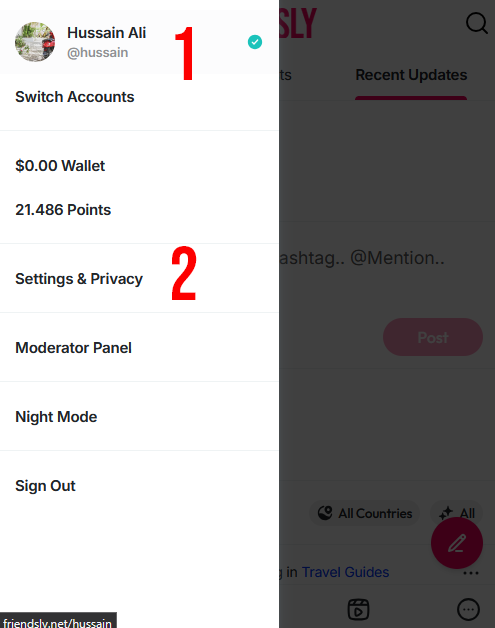
Tap your profile picture
Go to Settings & Privacy
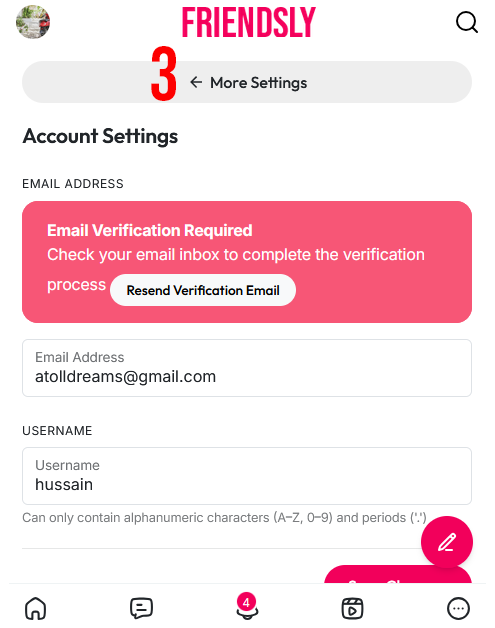
If you’re on mobile, tap More Settings
Select Two-Factor Authentication
Follow the on-screen instructions to complete the setup ✅